June 23, 2018 · 5 min read
linux
How to copy a website to read offline
Archived from the old blog. Original URL: https://tomauger.gitlab.io/posts/2018-06-23-how-to-copy-website-to-read-offline/.
How to mirror a website using wget and an open source GUI to achieve the same thing.
Wget
To mirror a website using wget run the following:
wget --mirror --convert-links --adjust-extension --page-requisites --no-parent https://site.example.comor the shorthand version:
wget -mkEpnp https://site.example.comDescription of the parameters from the wget man page:
--mirrorturns on options suitable for mirroring including recursion, time-stamping, sets infinite recursion depth and keeps FTP directory listings.--convert-linksconverts links in the document to make them refer to the locally downloaded files.--adjust-extensionwill add the appropriate file extension to downloaded files if it doesn’t already exist. The extension is determined by the MIME type of the downloaded file.--page-requisitescauseswgetto download all the files that are necessary to properly display a given HTML page. This includes such things as inlined images, sounds, and referenced stylesheets.--no-parentpreventswgetfrom ascending to a parent directory when retrieving recursively.
HTTrack
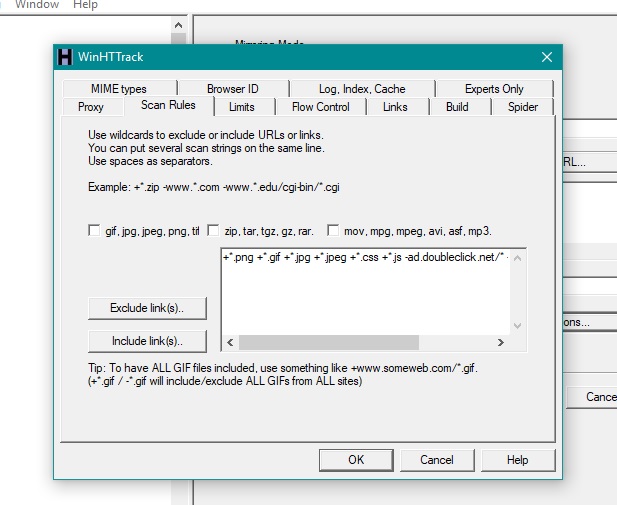
If you prefer a GUI based tool then take a look at HTTrack. It’s open source, cross platform (the Windows version is called WinHTTrack) and comes with extra features such as pausing/resuming mirroring, updating previously downloaded mirrors, excluding certain links, and a screen for configuring lots of advanced options.